
Web application
Dashboard account
It is now possible to create a dashboard account. This account can be used to show the Dashboard page on a tv screen in the barn. The Dashboard account can be created on the Settings page.
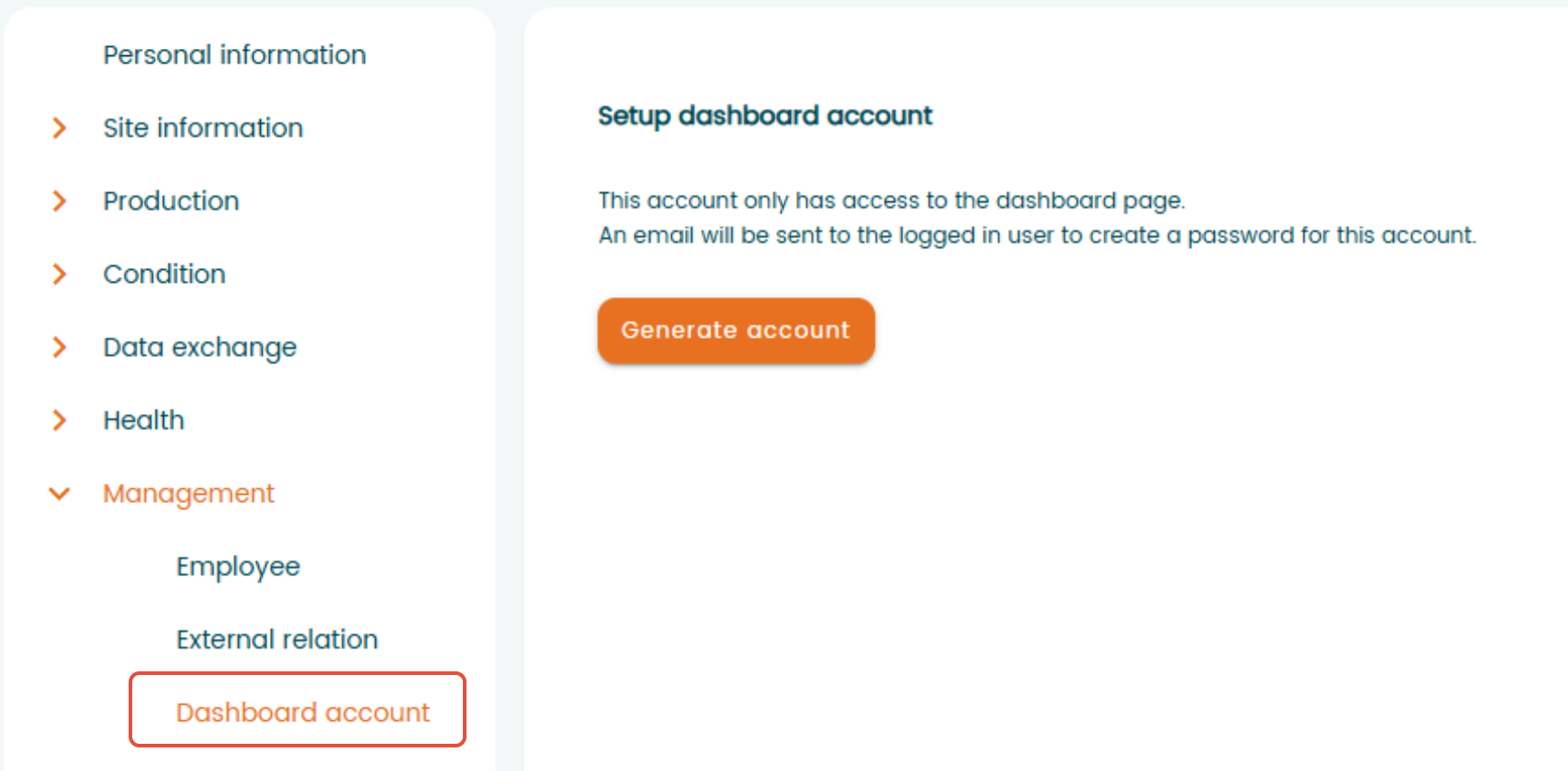
After you create a password, the account is activated and can be used to log in in the barn. This account only has access to the dashboard page. All other functionality is not available for this account. Please read FAQ or use the walkthrough for more information about this topic.
Pagination
In pagination it is now possible for the user to select how many rows that should be shown on the different pages. This should be saved per user and per page.
Selling
There are two types of logos that can be added to the program that can be shown on delivery notes; a company logo and a breeding logo. These used to be placed on separate places, but are now moved to one page in the settings page. This page will also be used to add other logos and attachments in the future.
Mobile application
Improved group registration location handling
We fixed an issue affecting group registrations created in the mobile app. Previously, the registration did not always display the correct location where the animals were at the time the registration was made.
Group registrations now retain the selected location correctly. For example, if a group registration is performed in Section 1 using the mobile app, it will also appear as Section 1 in the web application, even if the animals were located in different pens.
This improvement has been implemented for all event types except Relocation, which is still under development.
Selling
We fixed an issue where animals that returned to the farm after being mistakenly registered as sold were not handled correctly in the mobile app.
Worklist
We fixed an issue where animals remained visible on the worklist after their worklist action had been completed in the mobile app.
The worklist now updates correctly and only displays animals that still require action.