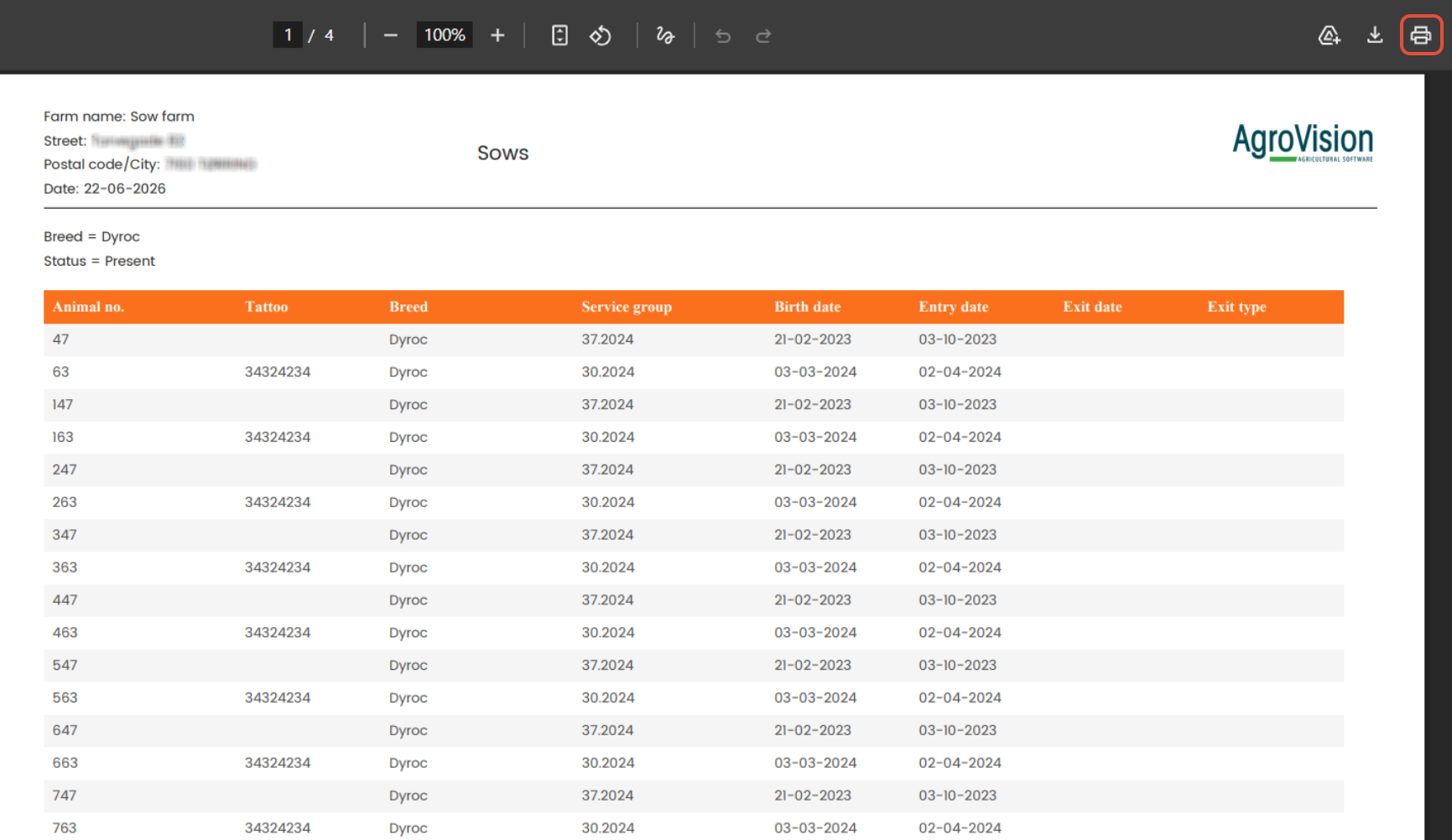
To print any screen, tap on the printer icon you will see located in the top right corner.

Once you click, a new window will pop up. Out of the 3 options available choose "Open pdf" and the orientation.
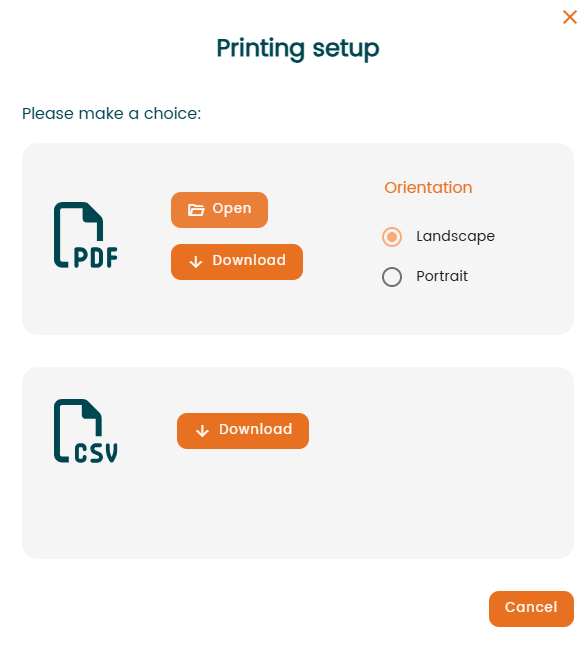
- PDF
- "Open" – Generates and opens the PDF report directly.
- "Download" – Downloads the PDF report to your device.
- "Orientation" – Select either "Landscape" or "Portrait" layout before generating the PDF.
- CSV
- "Download" – Downloads the report data as a CSV file for use in spreadsheet applications such as Excel.
- Cancel
- Closes the "Printing Setup" window without generating or downloading a file.
- Closes the "Printing Setup" window without generating or downloading a file.
When you select it a new tab will be automatically opened in your browser. There you will see the PDF ready to print selecting "Print" (printer icon in the top right corner).