
If you want to record cost or income in the financial menu, you first need to create them in the settings.
Go to the Settings and then to Financial - Cost /income.
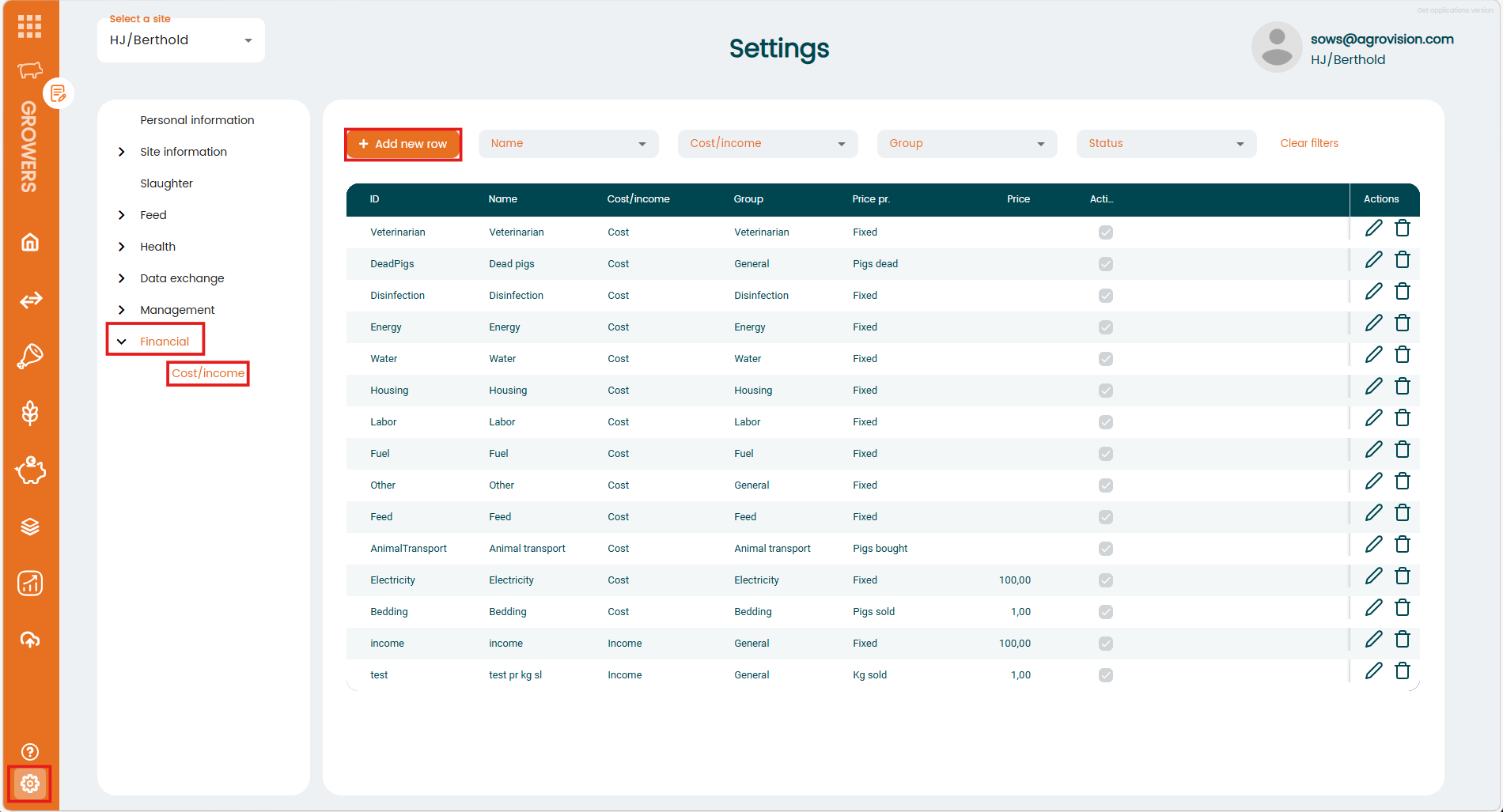
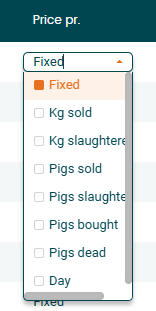
Here you can add new items by clicking on the "+Add new row" button. Choose an ID and Name and select if its a cost or an income. In this example we created a new cost for renting a barn. Choose a group that fits your entry and select one of the options under "Price pr.". Enter a Price, set the checkmark for "Active" and save the entry.

Now its available in the Financial menu and can be used.