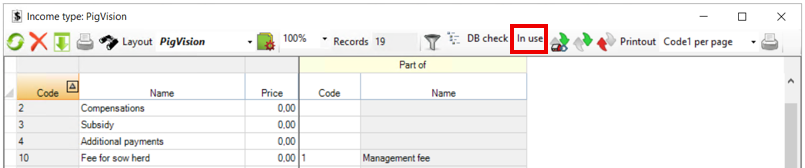
Go to "General entries" - "Income type" to create the different types of incomes.
By default, there are already a number of income types, but it is possible to create your own on an empty line at the bottom of the window.
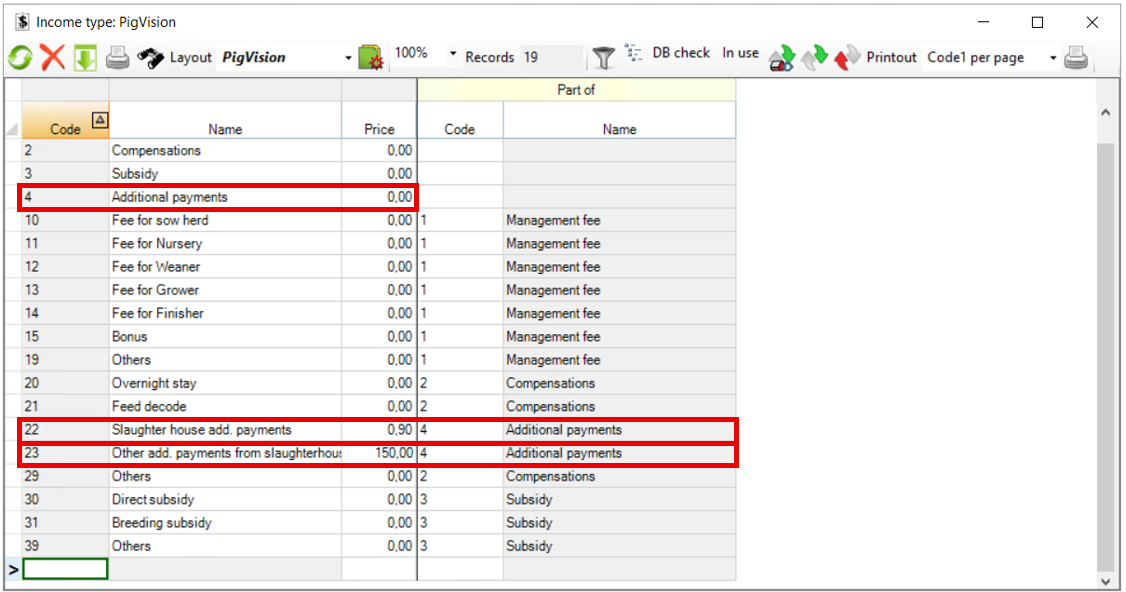
Start by creating a code and name for the type of income. Afterwards, it is possible to enter a price (e.g. it can be payment for piglets).
The column "Part of" is used to indicate if the income type is a part of a total income type. If this is the case, you must remember to create the total income type first with code and name. An example could be that you have a total income type "Supplement", where the income types "payment from slaughterhouse" and "Other supplement from slaughterhouse" are part of. Therefore, the two types of income must be linked to code 4.
There are three icons in the window that you may use:
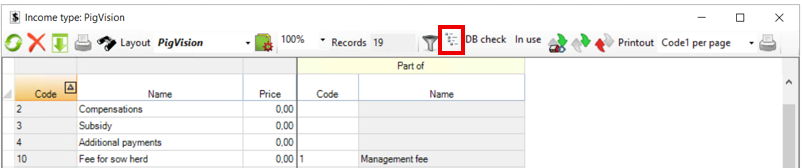
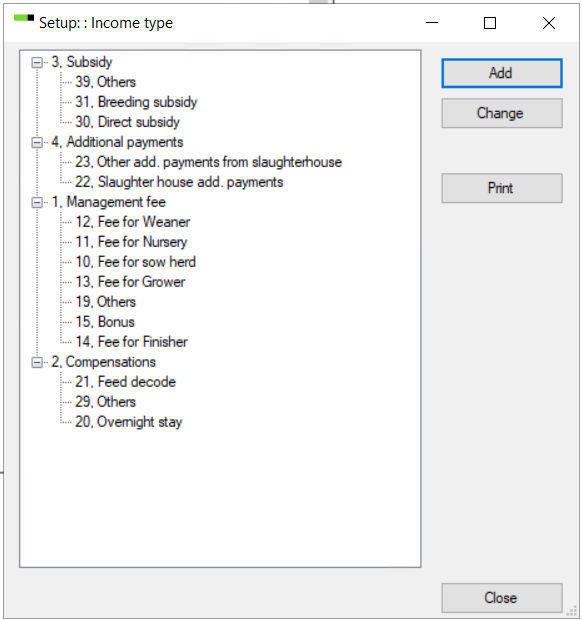
- Tree setup: Tap this icon to get an overview of how the income types are linked. This is especially useful if you use the column "Part of".
- DB check: Click on this icon if you want to use the income types for DB check.
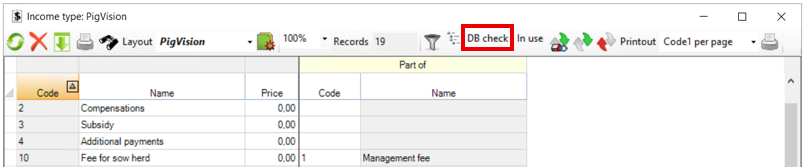
- In use: Tap this to see if the chosen income type is in use in PigVision. A new window will appear stating where the income type has been used.