In the mobile app, you can add a remark to an animal and attach a picture.
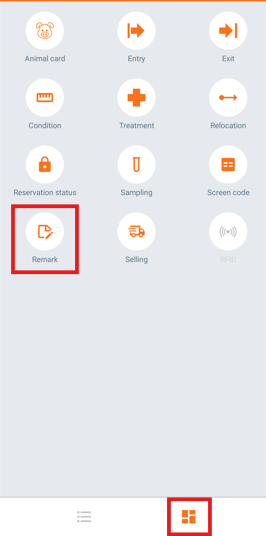
- On the "Home" screen, tap the navigation button on the bottom left of the screen and select "Remark".
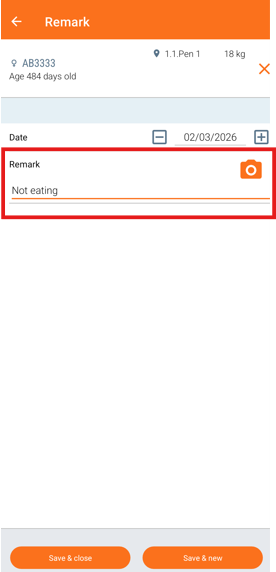
- Search for the animal by typing the animal number or by scanning the ear tag. Enter your note in the "Remark" field.
- To attach a picture, click the "Camera" icon. Take a photo and it will automatically be added to the remark.
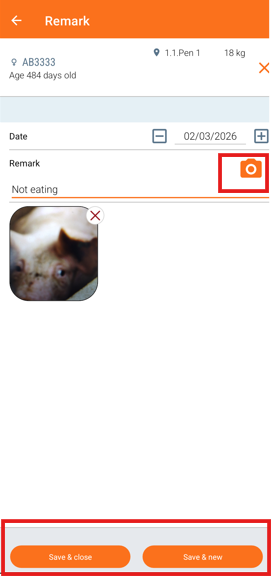
- Click "Save & close" to close the menu or "Save & new" to add a new remark.
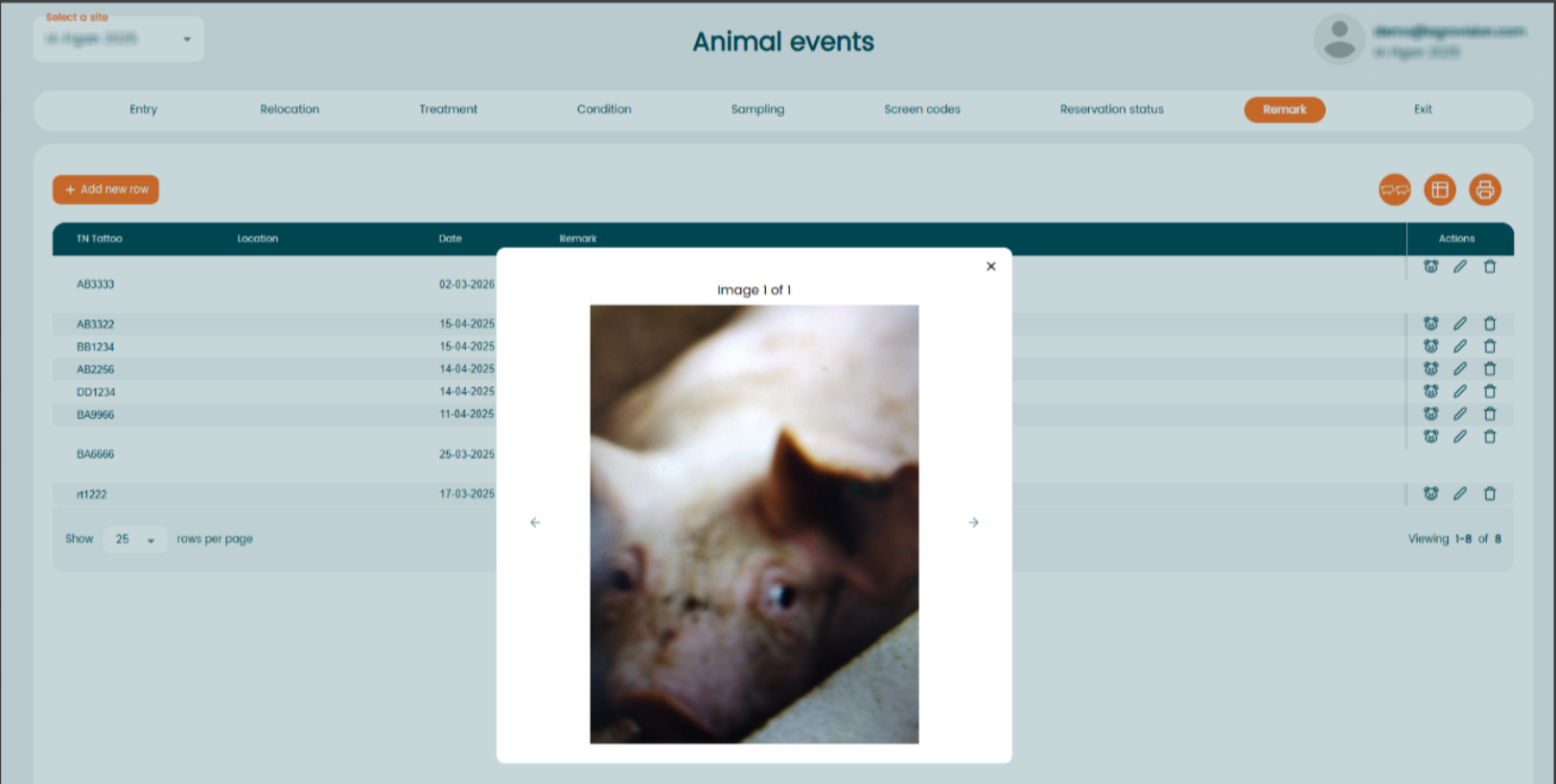
After synchronizing with the web application, you will be able to find the remark and the attached picture in the program in two different places:
- On the "Animal card" -> Click on "Remark" and the picture icon will appear next to the date.
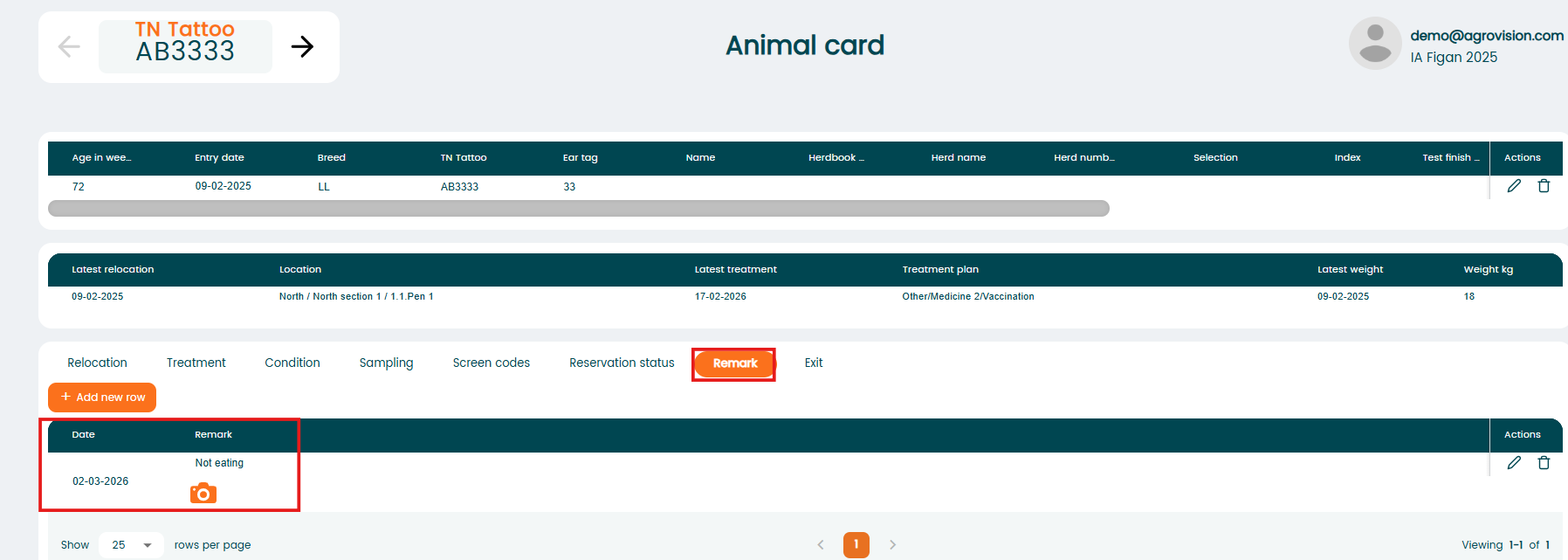
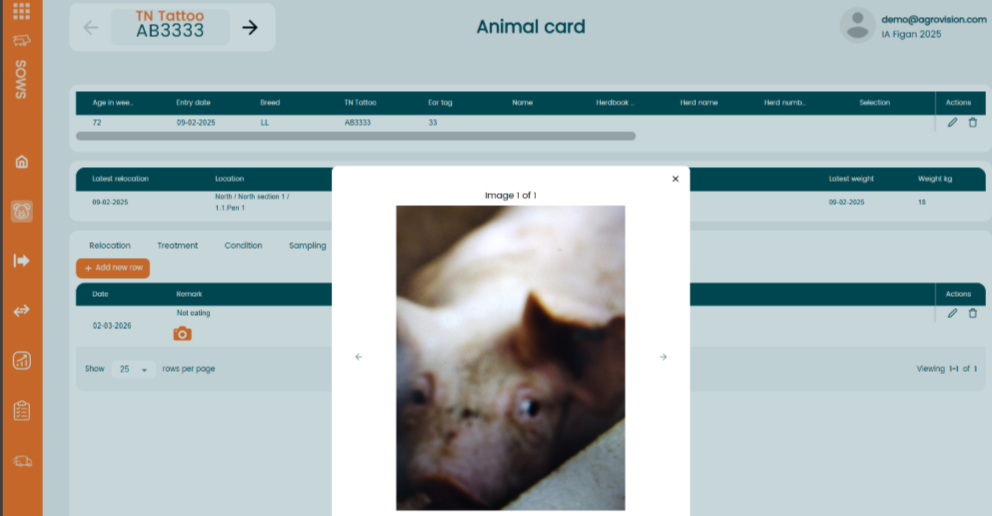
If you click on it, the picture will open.
- In the menu "Animal events" - "Remark". The picture icon will be visible next to the date of the "Remark" event.
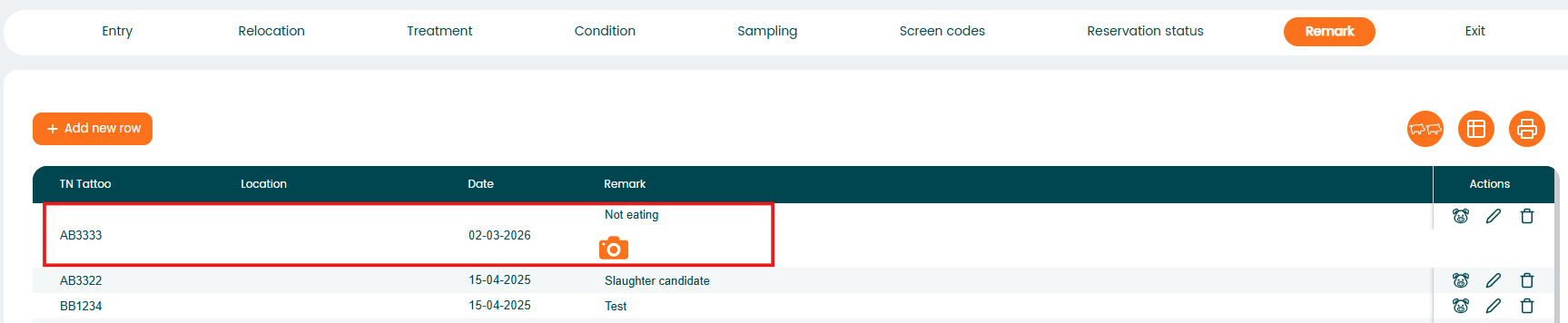
If you click on the icon, the picture will open.