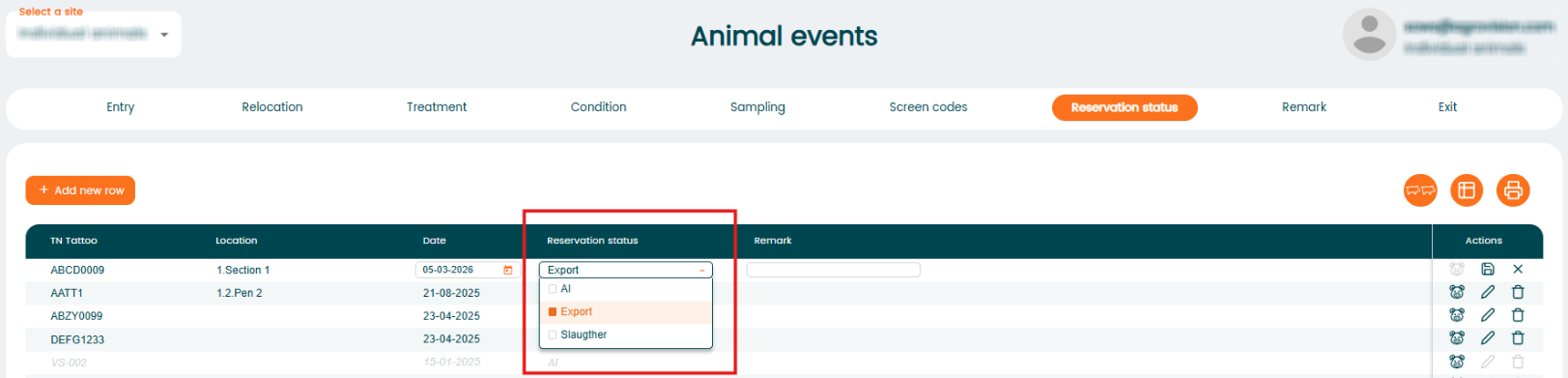
"Reservation Status" is used to temporarily mark an animal for a planned activity or purpose before the actual event is recorded.
To use "Reservation Status":
- Open the "Animal Events" page.
- Choose the "Reservation Status" event.
- Select the animal and appropriate reservation type (AI, Export or Slaughter).
- Enter the date and any relevant notes.