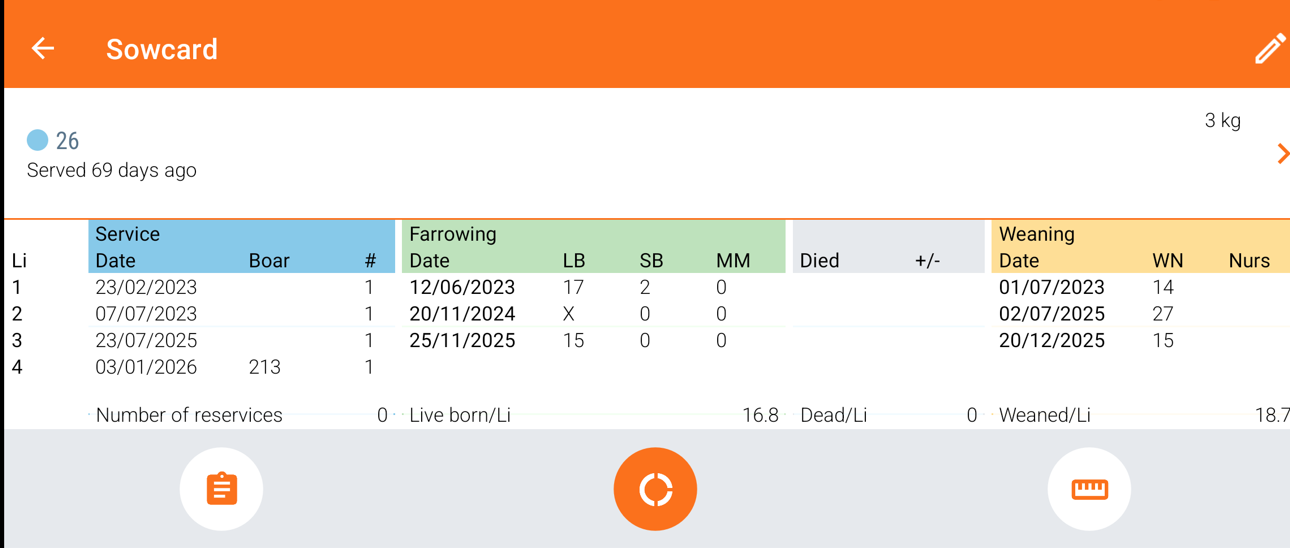
Viewing the "Animal card" in the app gives you quick access to all important information about a specific animal in one place. It helps you check the current litter details, review the animal’s history, and see relevant records without needing to search through multiple screens. This makes it easier to monitor the animal’s status and verify information while working in the barn
You can see the animal card by searching for the animal in the top and then swipe to the right. After swiping, you can see a pig head like shown in the picture below.
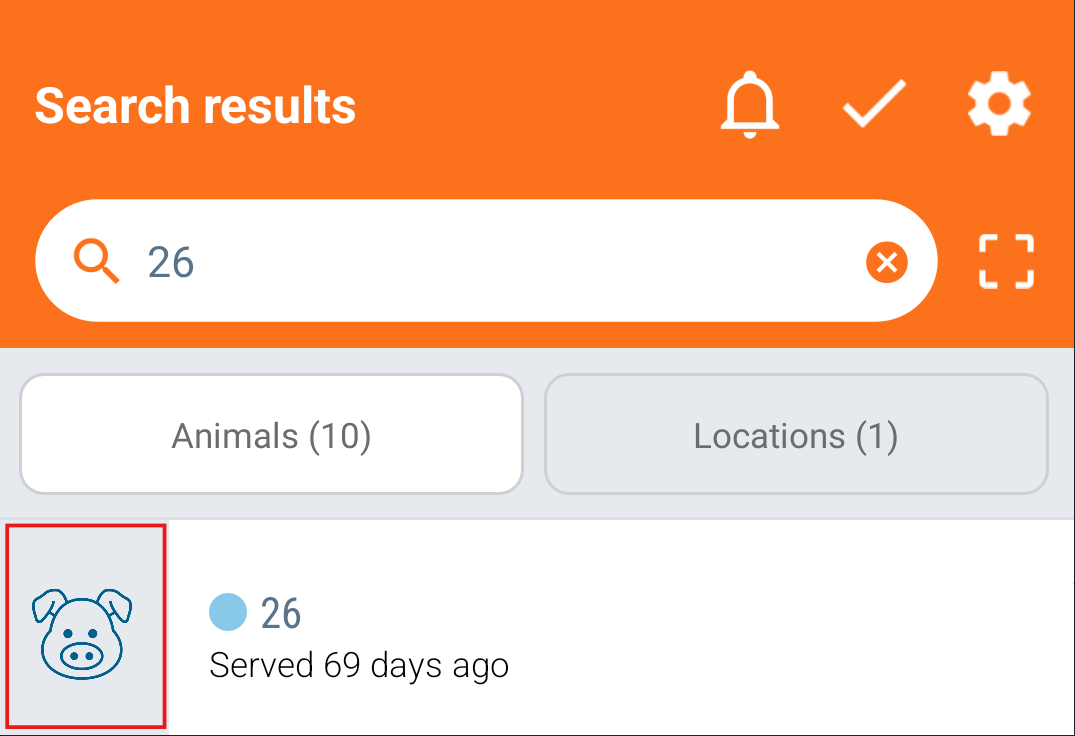
Tap on the pig head and a new screen will be shown with the current litter's information. If you want the full animal card, you can press the "Litter" icon at the bottom.
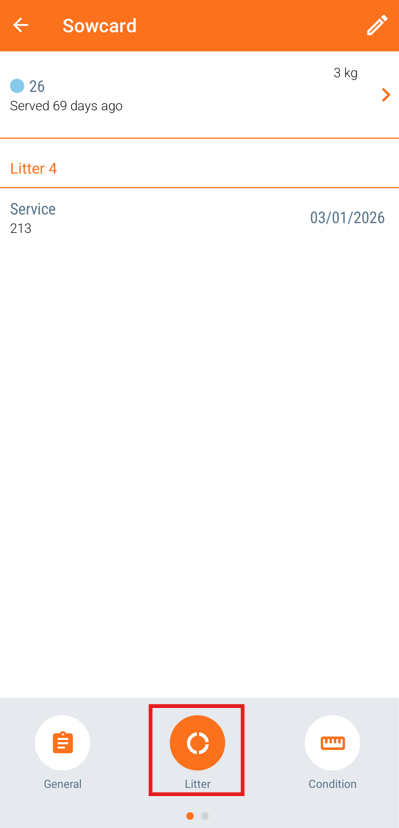
Afterwards, you can turn your phone/tablet to the side (landscape) and you will be able to see the animal card, like this: