
Screen codes are numeric or alphanumeric codes used in farm management software to record and classify events, traits, and observations for pigs. Instead of writing long descriptions, farm staff enter a short code that represents a specific condition or action.
To create screen codes, go to "Settings" - "Production" - "Screen codes". Click "+ Add new row" to create a new code. Enter a short identifier in the "Code" column and a clear description in the "Name" column. Select the Active checkbox to make the code available for registrations.

To register screen codes go to "Animal events" page and select "Screen codes"
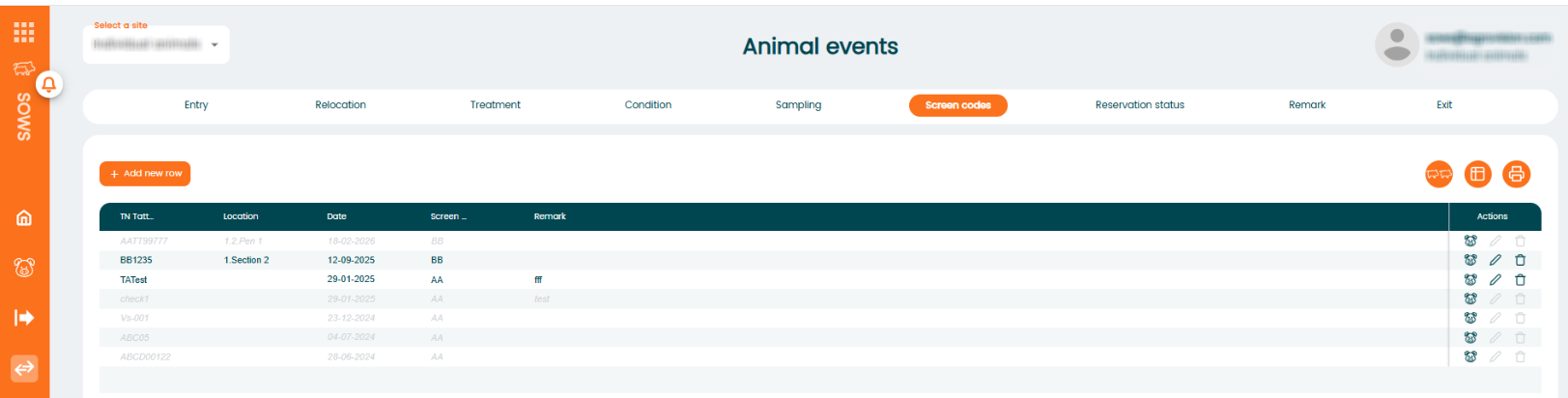
Click on "+Add new row" to enter new registration. It is also possible to enter screen codes on group of animals by selecting "Group registration" icon.
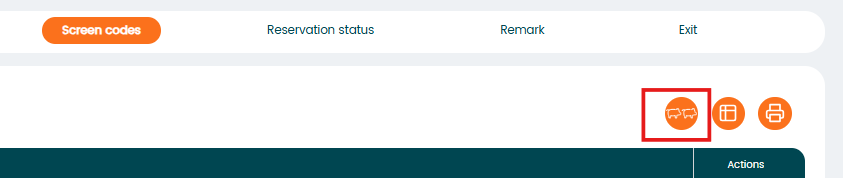
In that section, you will include registration based on location. Choose the location, and the program will show all the animals found there. You have the option to uncheck any that you do not wish to assign a screen code to. Once all the animals are confirmed, input a screen code in the first line and hit enter or click the save icon on the right.
