
You can use our app for registration of data on your farm. App is called "AgroVision Sows".
Download
The AgroVision Sows app can be downloaded from "Play store" on your Android device.
Open Play store and enter "AgroVision Sows" in the search field. Choose to download or install the app to your device.
Login with My.AgroVision credentials
After download, open the app and you will see the login screen. Here, press "Log" in and a new browser will open, where you enter your My.AgroVision credentials with e-mail address and password.
The password belongs to your e-mail address and if you do not know the password, you can press "Lost my password".
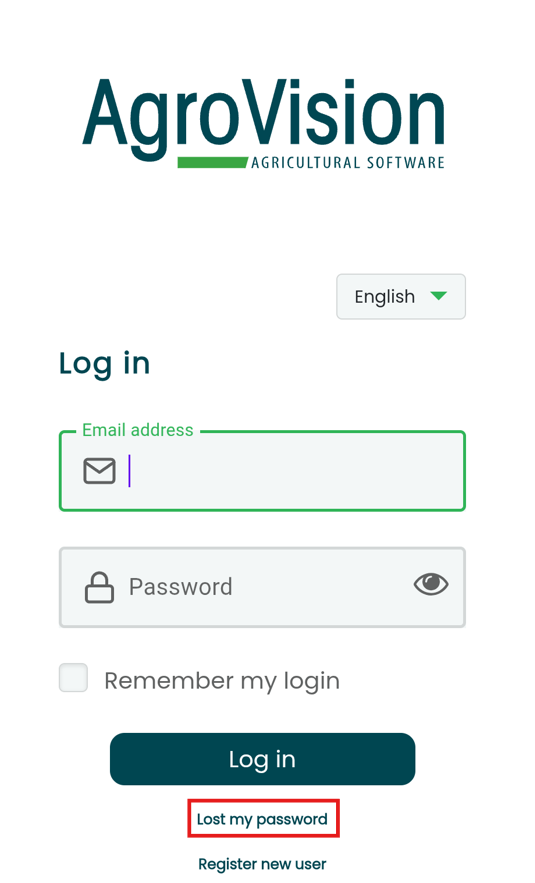
You can also choose to show/hide your password by tapping the eye icon to the right of the password line. You can also check mark "Remember my login" to save your login details.
After logging in you will see your farm(s). Tap on your farm name to enter the database. The first time you go into your herd, it may take a couple minutes before the farm is fully synchronized with your phone or tablet as all your historic data will be downloaded.