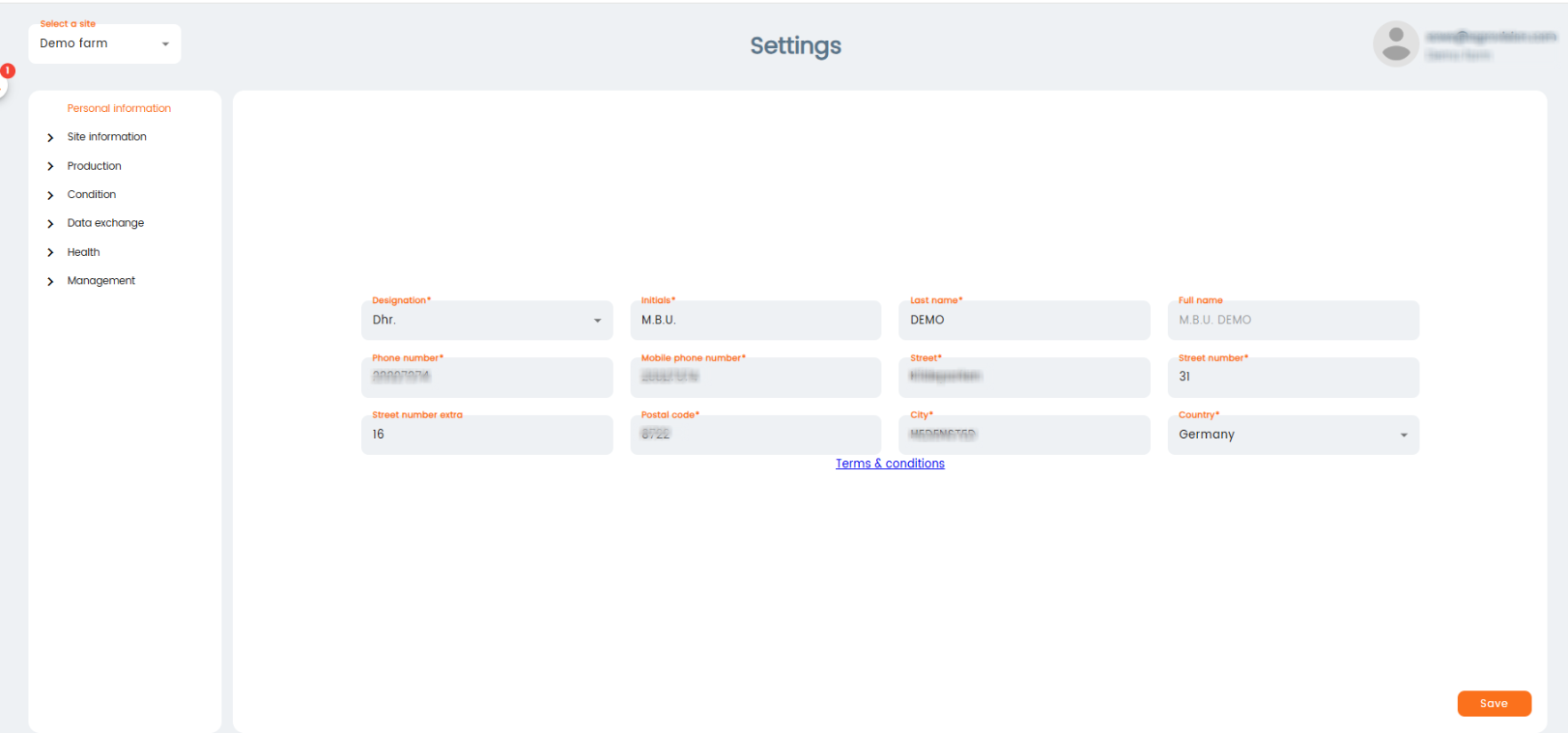
Personal information
Fill in the owners personal information.
Press "Save" when done.
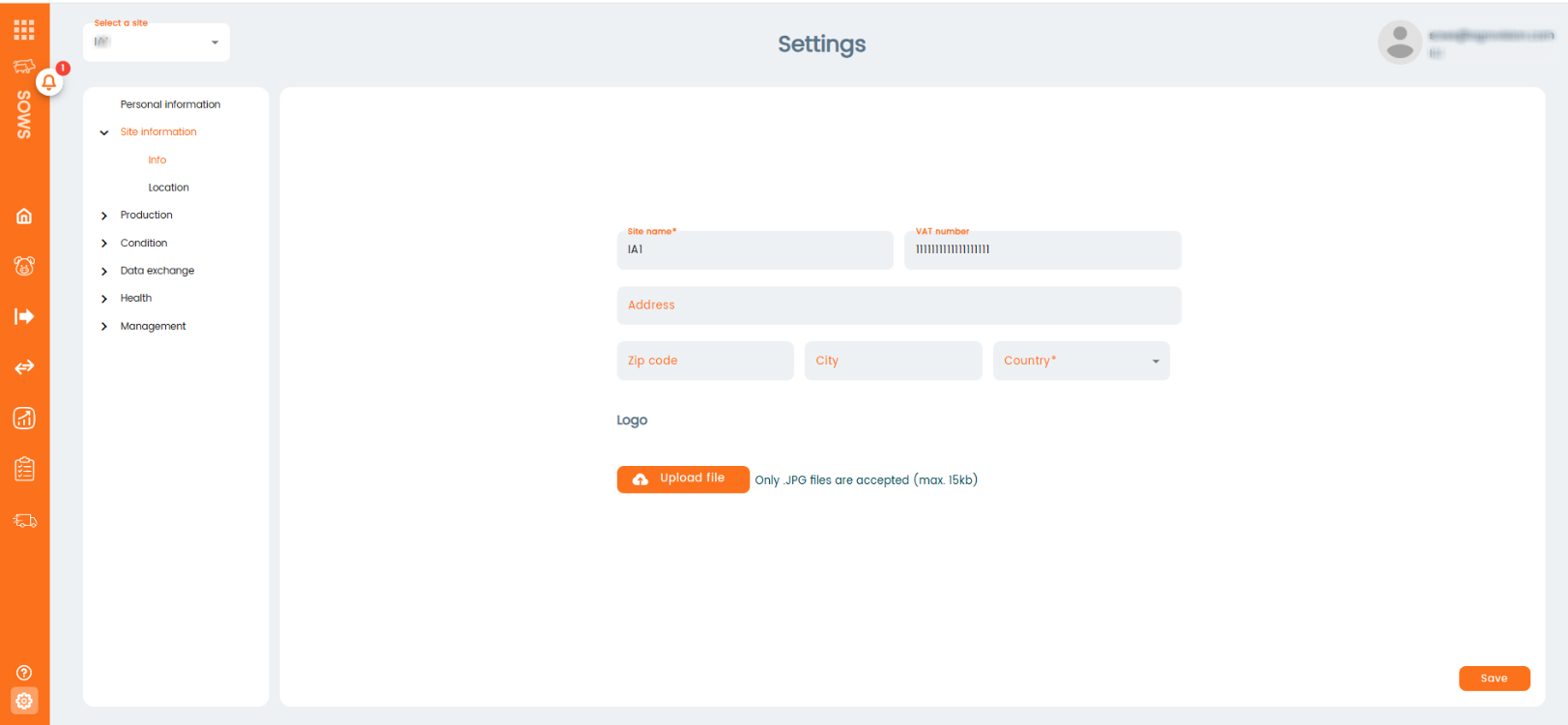
Create your site
"Site information": In this section you will go through 2 screens. The first one will be site information, where you need to fill in the name, VAT number and choose the country.
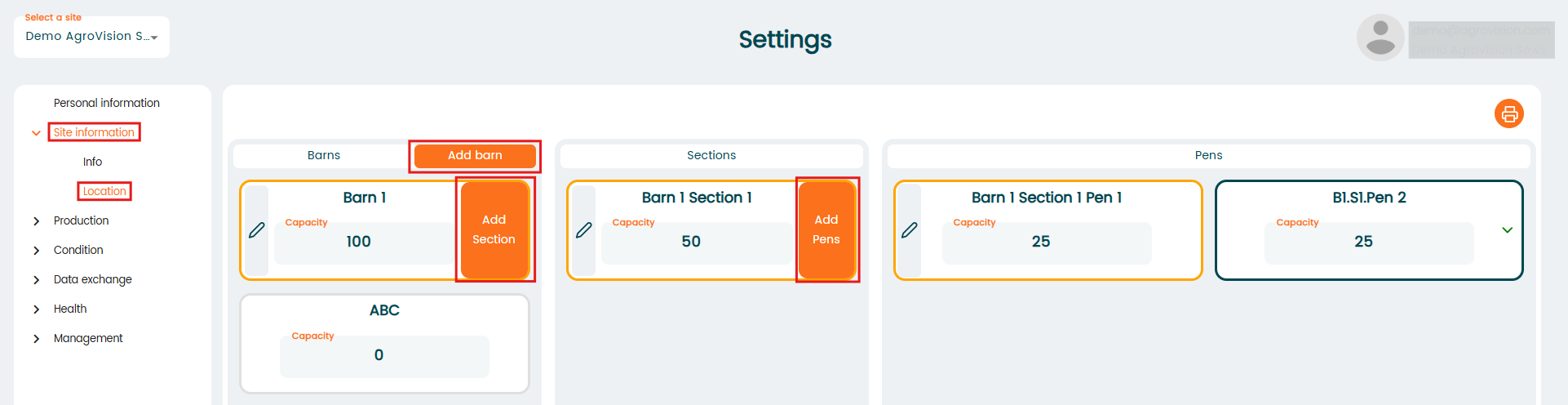
"Locations": Here you are able to create different locations inside your site.
There are 3 levels of hierarchy. The first level is the "Barn", you can create as many barns as you want by clicking "Add barn". Inside each barn you can create "Sections", by clicking "Add section". Finally, inside each section you can create "Pens" with the "Add pen" button.
Please note: Select Names or Numbers which are most logical for you to identify the different locations. In this example the location is called Barn 1 and the sublocations (section & pen) are named accordingly to identify them easily later in the app.