
Changing the animal information shown on the worklist table allows you to display the most relevant data for your work.
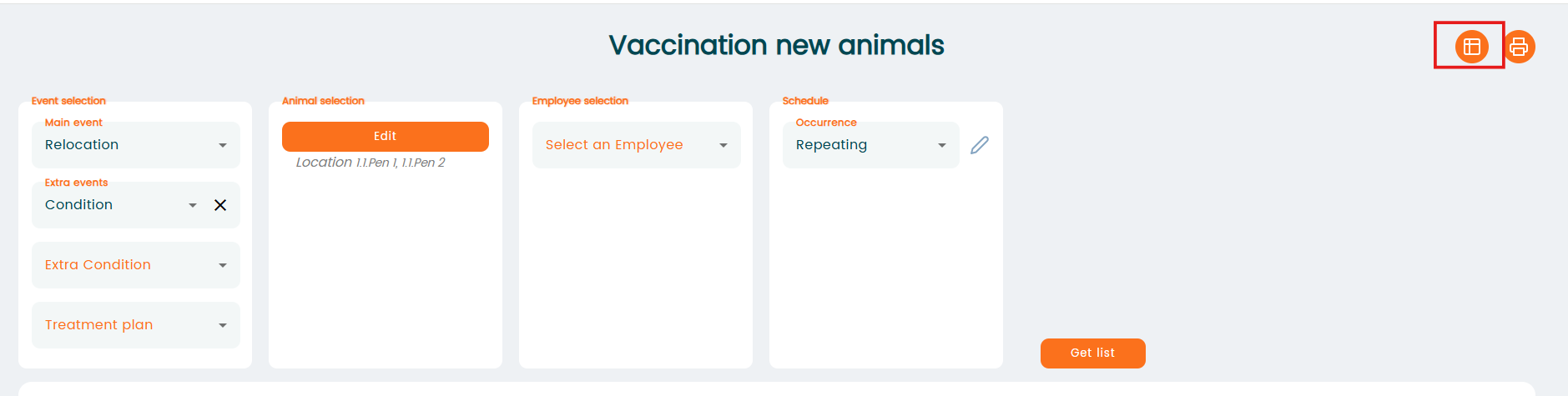
Click the "Column Selection" icon on the right.
The panel on the right displays the columns currently visible in the report. To remove columns, select them and move them to the left (in this example we remove Index):
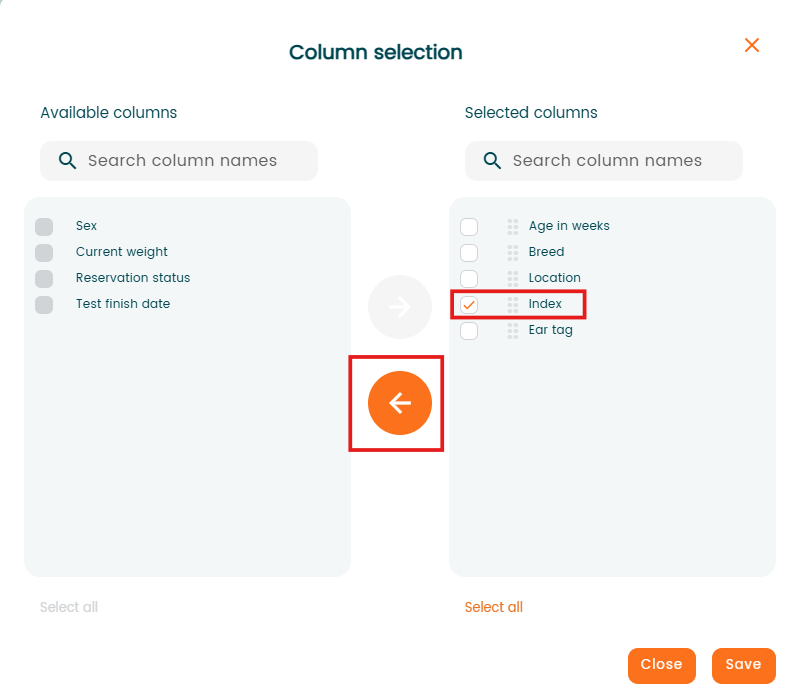
Finally, click "Save". The program will remove Index column from the report.