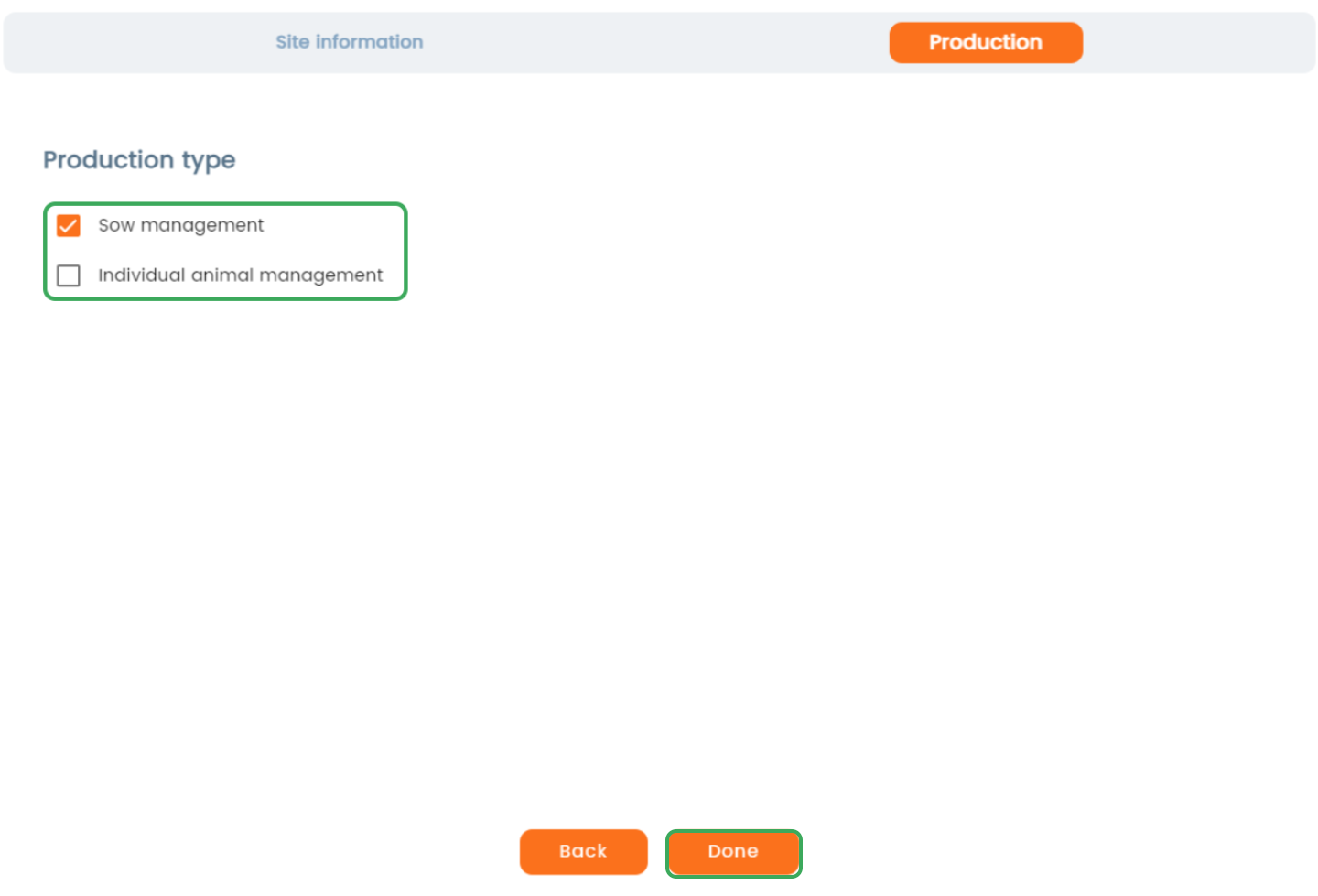
Once the setup is completed, the production type cannot be changed.
In AgroVision Sows, it is possible to choose between "Sow management" or "Individual Animals management" as your type of production. Read more about production types.
It is only possible to choose the production type, when creating a new site. After this, it is not possible to change production type.
If you choose Individual Animals management, all sow related events are filtered away.
Create a new site:
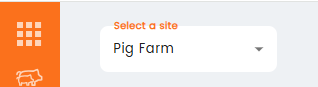
- Click on the dropdown menu when selecting a site.
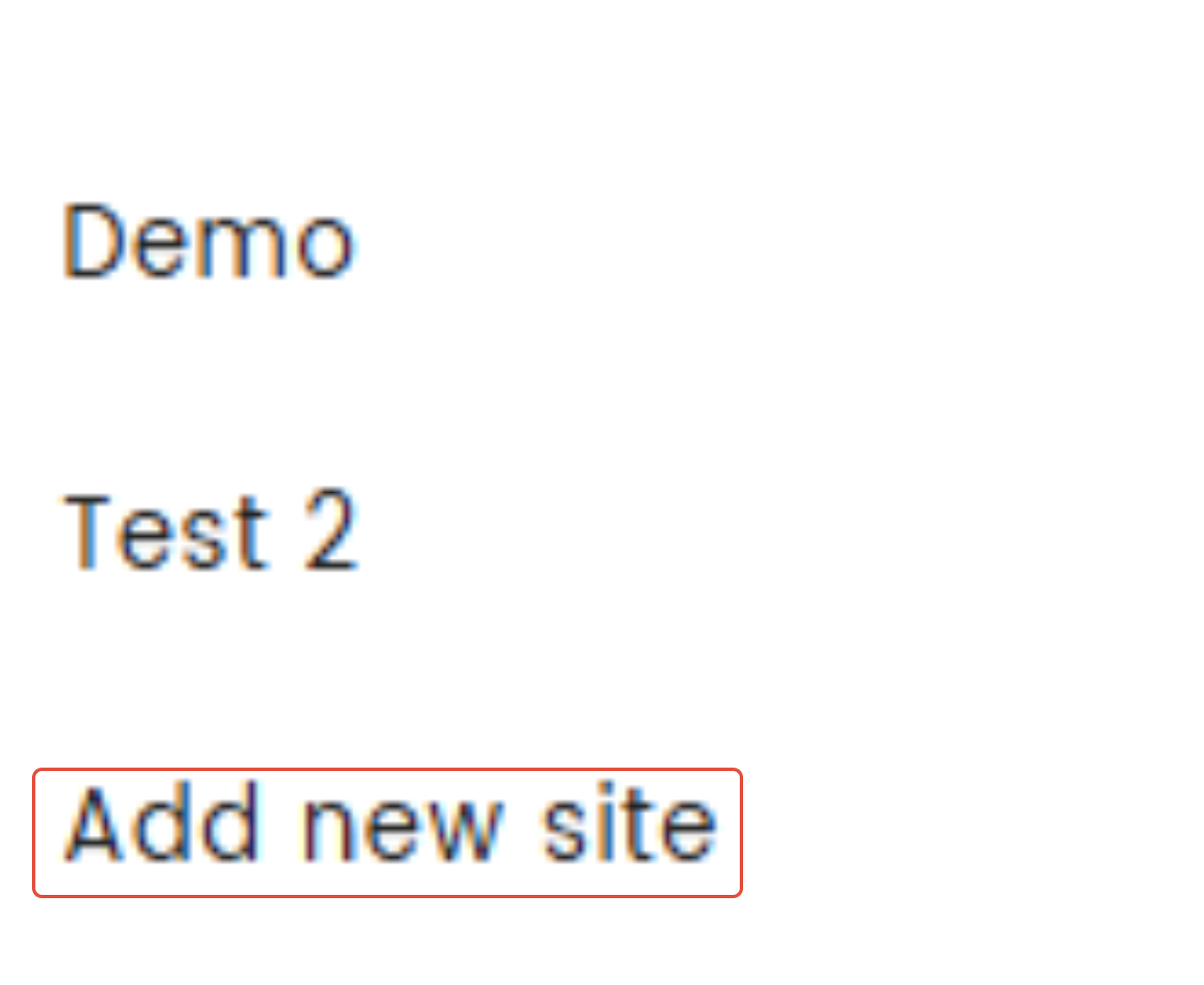
- Press "Add new site" at the bottom.
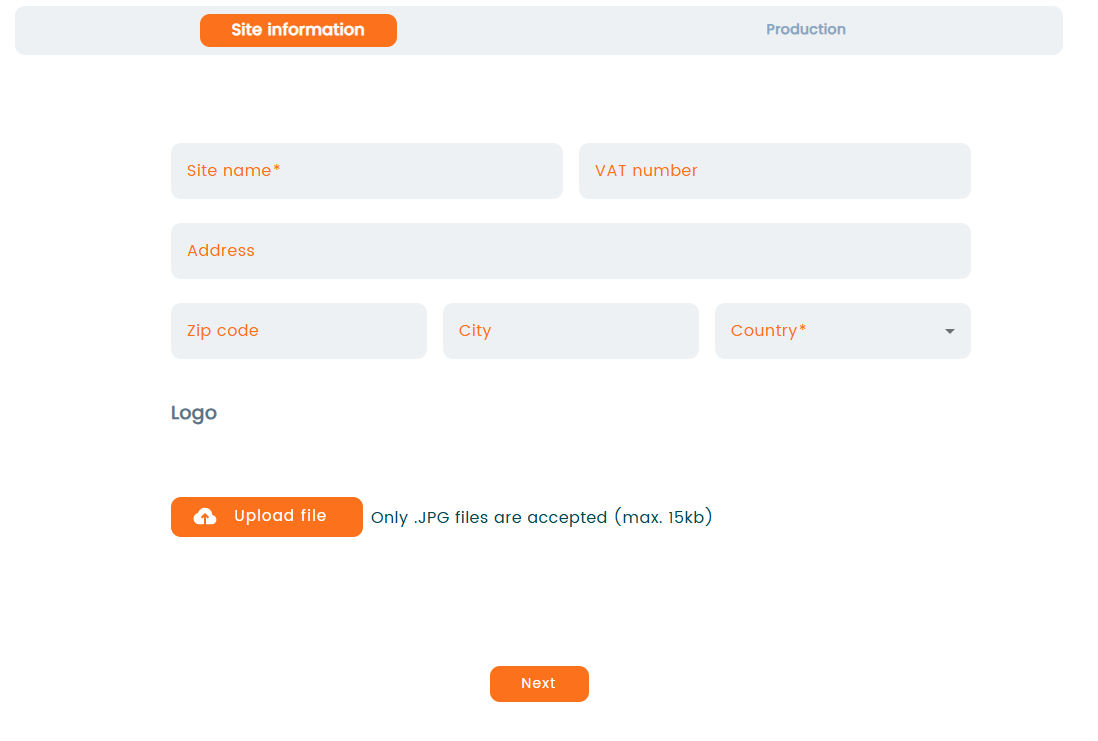
- A new window opens. Type in the information of your new site and press "Next" when done. You can also upload your company’s logo using the “Upload file” option.
- Now, choose the production type by check marking either "Sow management" or "Individual animals management".
Press "Done" when finished. Your new site is now available in the dropdown menu, when selecting a site.