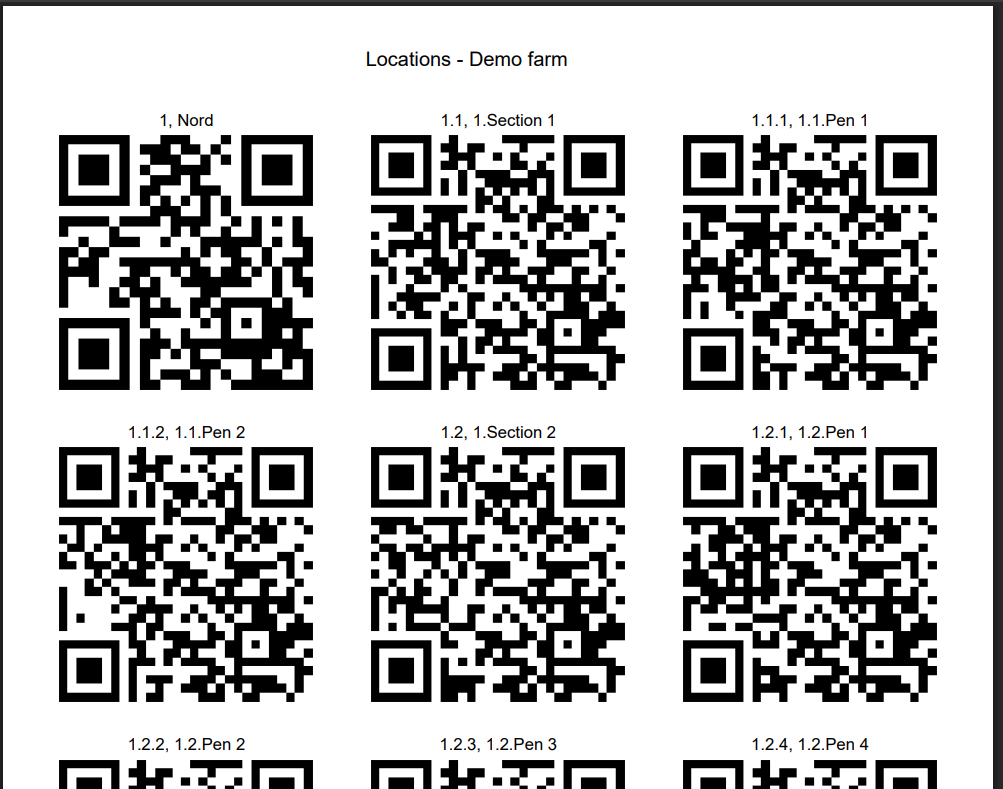
It is possible to scan QR codes by using the mobile app. The QR code printing function in AgroVision Sows allows users to quickly access specific locations by scanning a QR code with the mobile app. This reduces the need to manually search for locations and makes daily tasks faster and more accurate.
This is set up in AgroVision Sows.
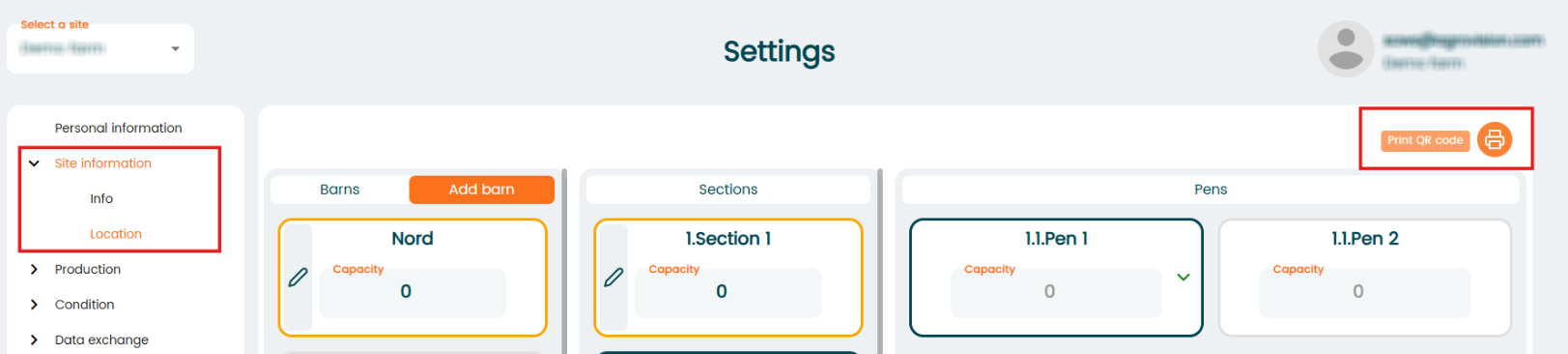
- Go to "Settings" - "Site information" - "Location".
- Press the "Print QR code" icon in the top right corner.
 .
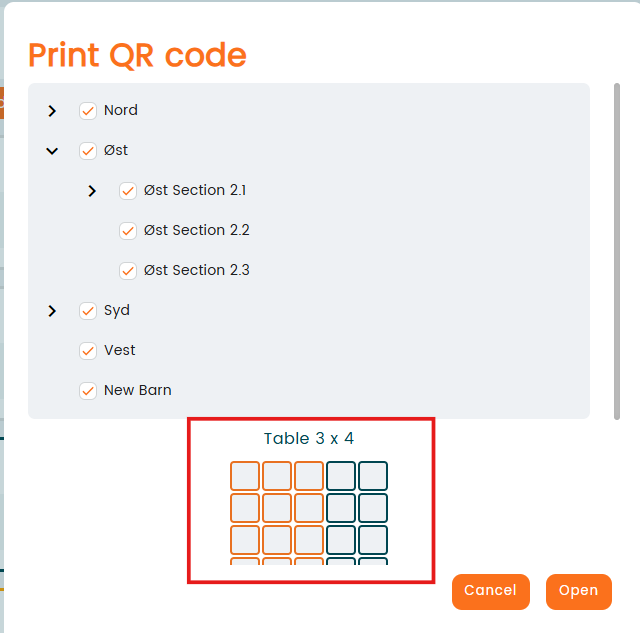
. - Check mark your locations of which you want the QR codes for. Choose how many QR codes you want printed per page (here, 3x4 QR codes per page). Afterwards, press "Open".
- A new tab page will appear, and show your QR codes. From this page, you can decide if you want to print or save.