
NB: Available only when production type is Individual animal management.
Animals can be transferred between different sites in the program. To move animals, navigate to "Animal events" - "Relocation". Click on "+Add new row". Click on the "Group registration" icon if you wish to relocate a group of animals from a location.

When transfering a single animal, enter the animal number, the date, and choose the site to which the animal will be relocated.

Now access the site to which you relocated the animal, and you will notice a notification on the top of the screen.
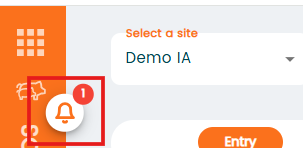
Click on notification sign and then click on the message
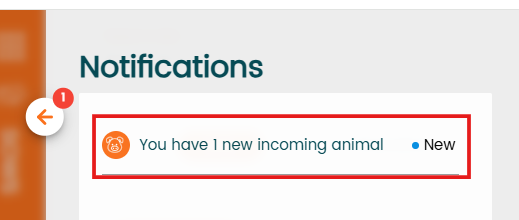
You will see animals that have been transferred in and are awaiting acceptance. To modify the animal's information, click the pencil icon in the "Actions" column.
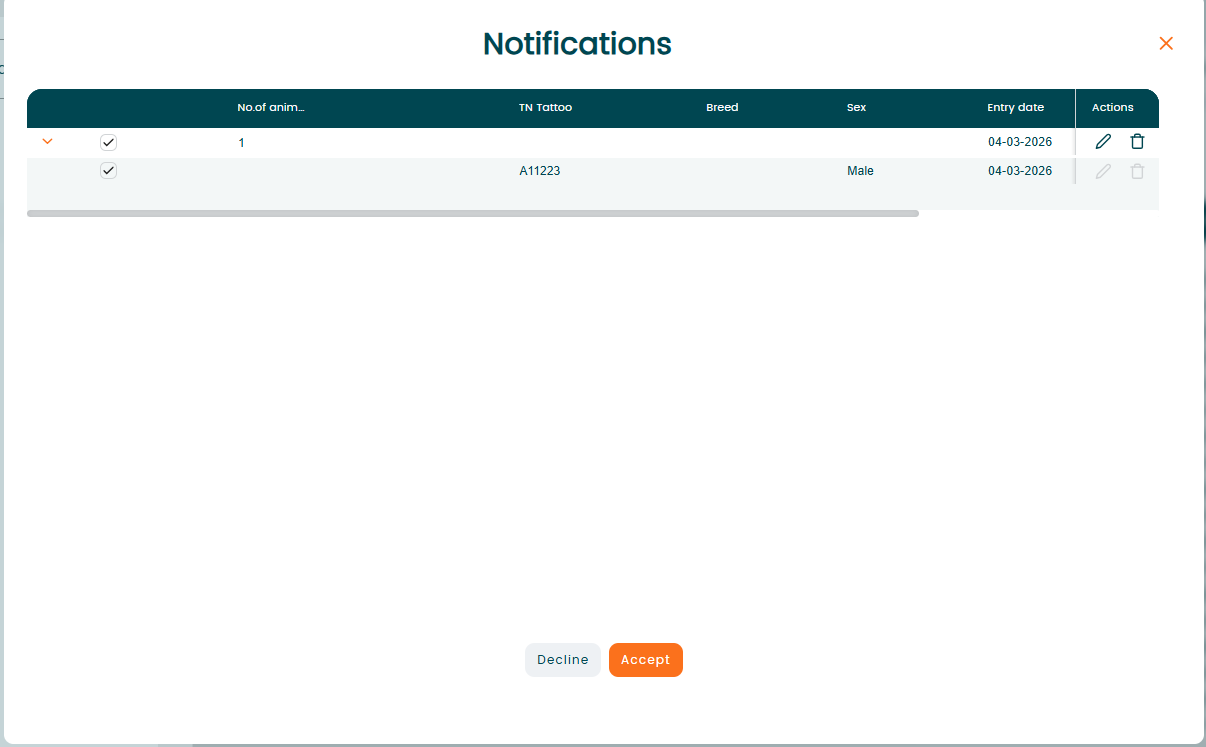
If you select "Accept," the animal will be added to the farm. Click "Decline" if the animal needs to be rejected.